How to Hyperlink in Google Docs (Add, Edit & Remove Links)
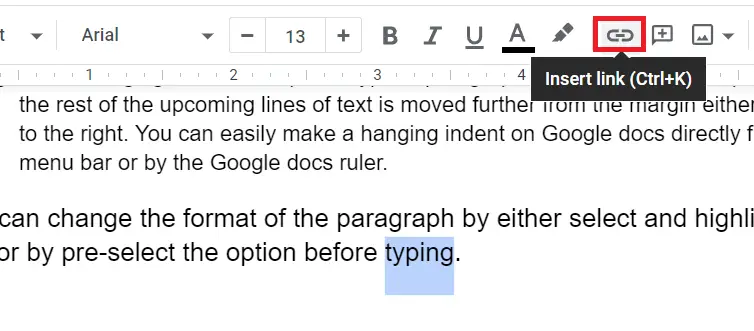
Hyperlinks make your Google Docs more interactive and easier to navigate. Whether you’re linking to a…
Hyperlinks make your Google Docs more interactive and easier to navigate. Whether you’re linking to a…
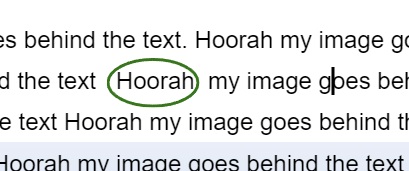
In Google Docs any geometrical shape can be inserted whether it is a 2d or 3d…

Writing a professional email requires a clear understanding of communication etiquette—especially when you need to address…

Does your MacBook start showing signs of aging? Is there something wrong with macOS or your…
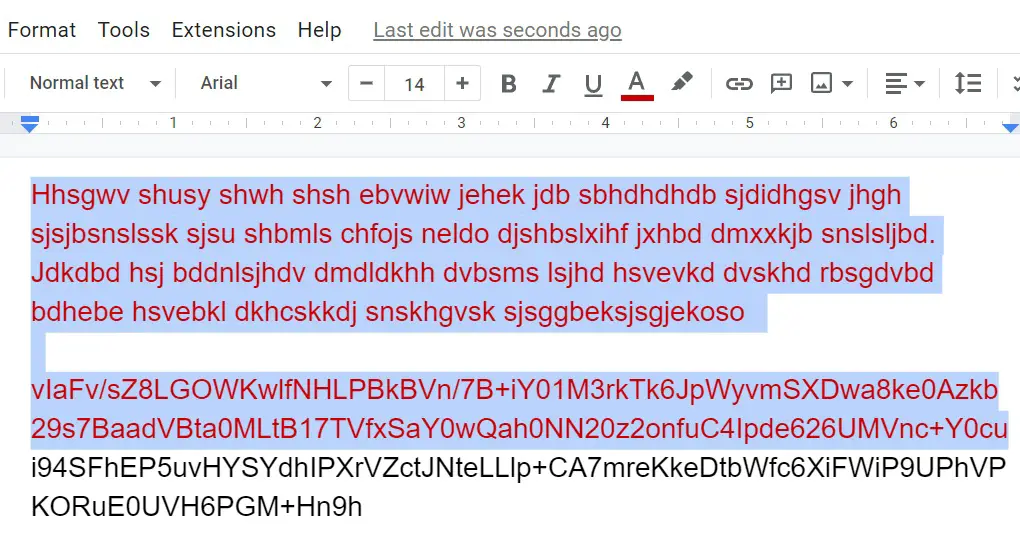
How to change text color in Google Docs is one of the most common formatting questions…
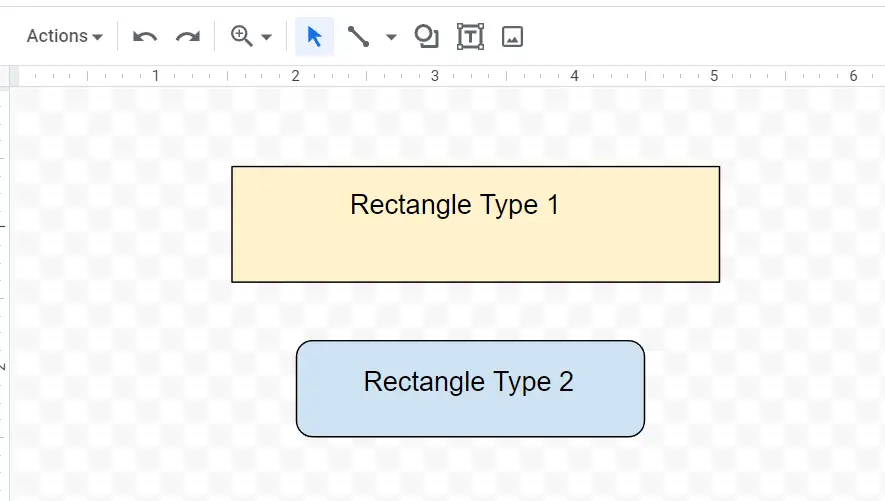
To insert rectangle in Google Docs, you’ll use the built-in drawing tool — it’s the same…
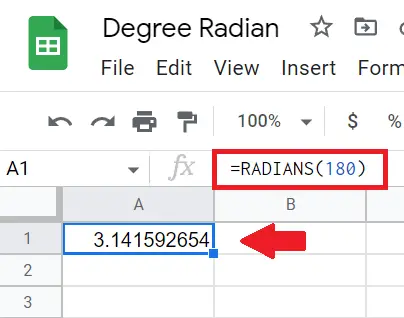
In Google Spreadsheets angle values can be converted from radians to degrees and also change from…
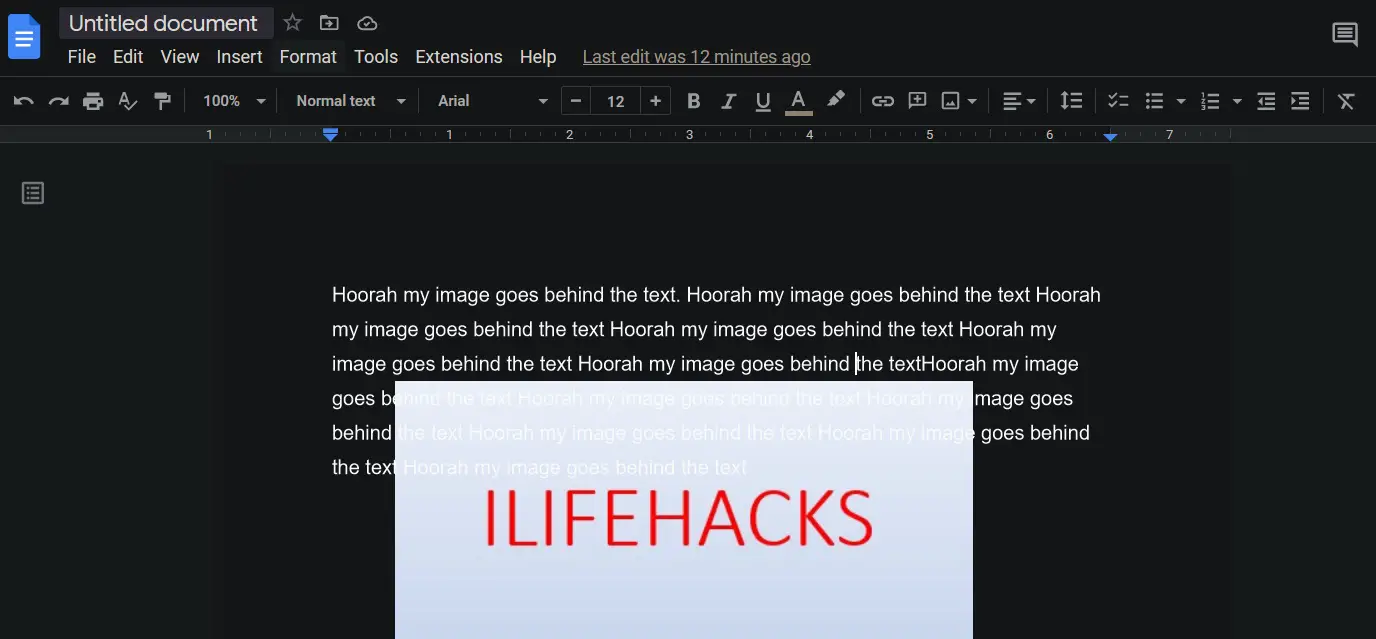
Google Docs Dark Mode helps reduce eye strain and makes reading or editing documents more comfortable,…
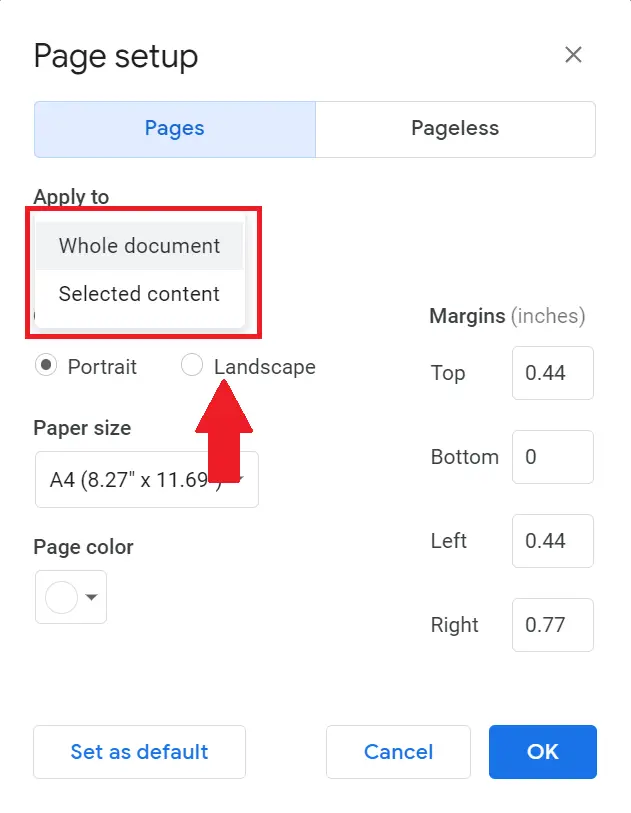
Mastering page layouts in Google Docs can significantly improve the design and readability of your documents.…
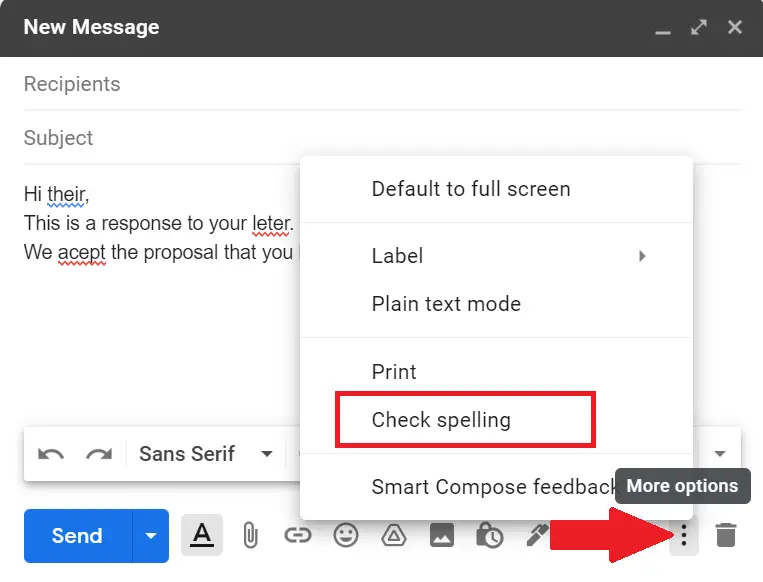
It is always better to improve and correct your writing mistakes before sending the email through…
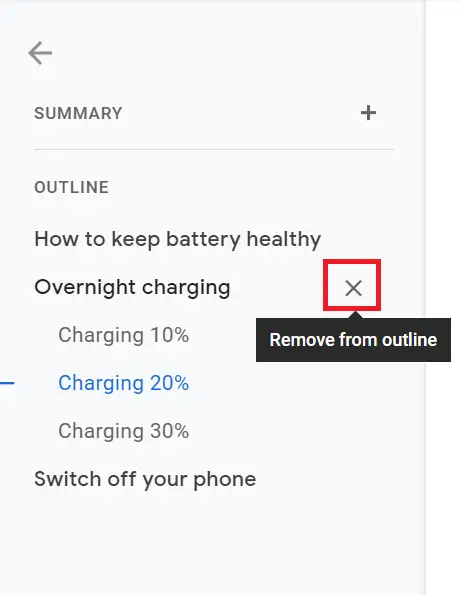
The Google Docs outline feature is a real-time navigation sidebar that mirrors your document’s heading structure,…
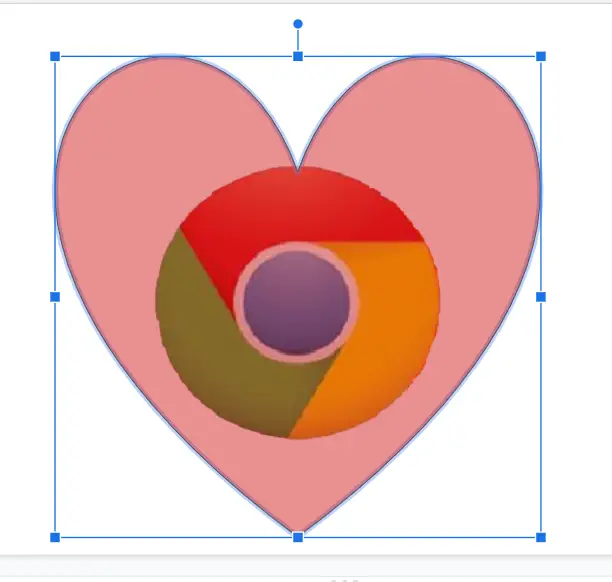
Whether you’re fading a background photo, softening a shape for an overlay, or building a watermark,…