Skip to content
No results
Windows
Google Docs
Symbol & Characters
Browser
ILIFEHACKS
Windows
Google Docs
Symbol & Characters
Browser
Search
ILIFEHACKS
Menu
Accents
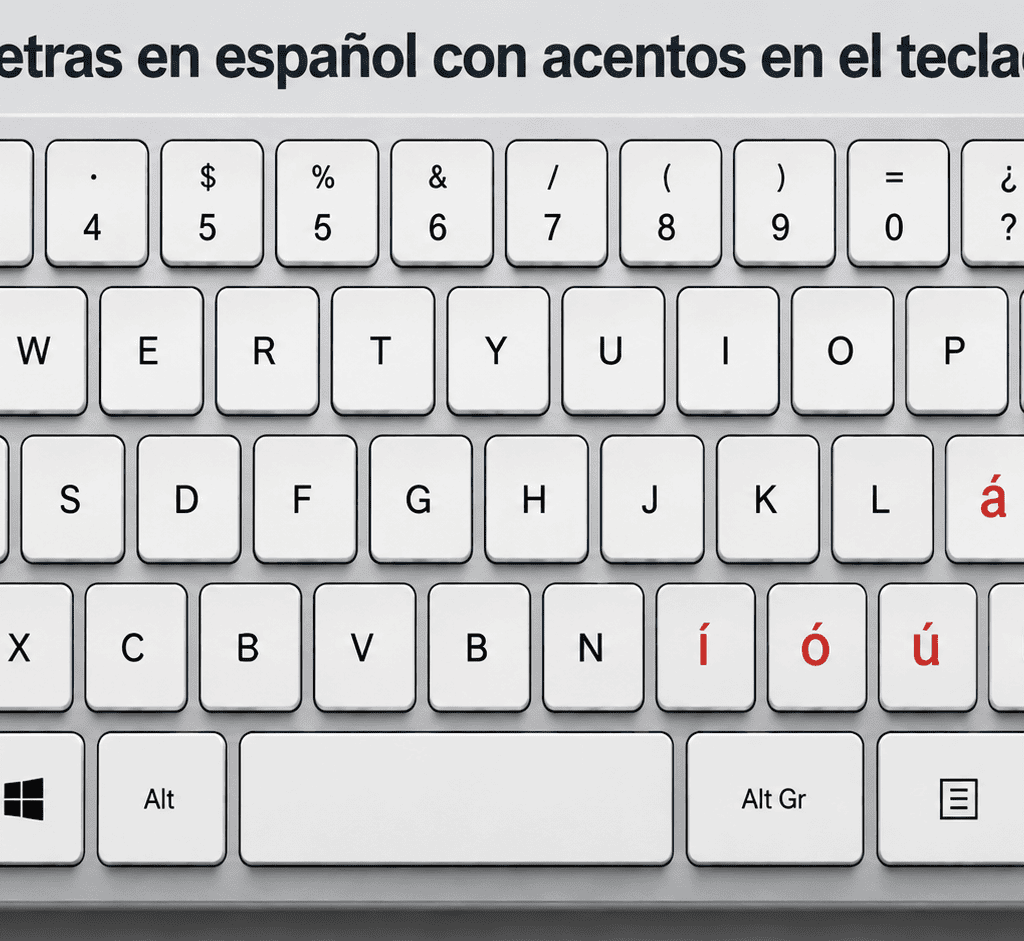
Spanish Letters With Accents on Keyboard á, é, í, ó, ú, ü, ñ
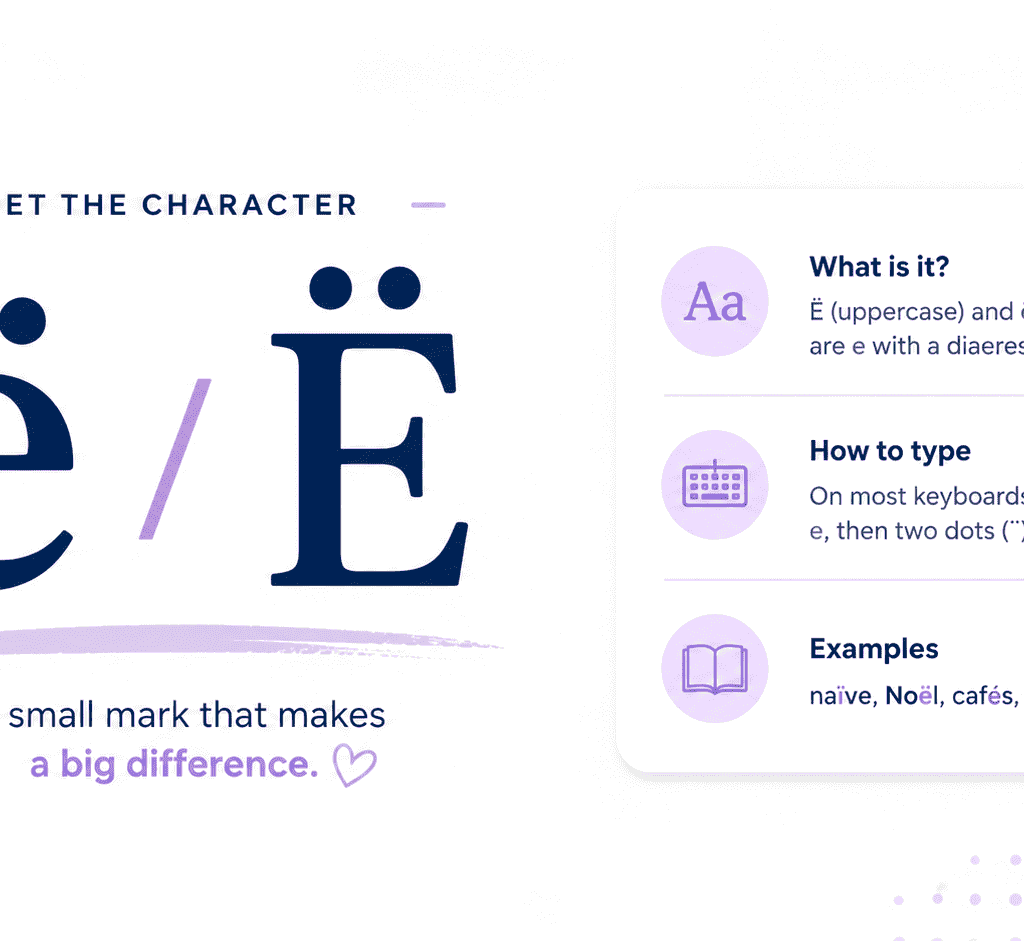
How to Type Ë and ë (E with Two Dots / E Umlaut) on Keyboard
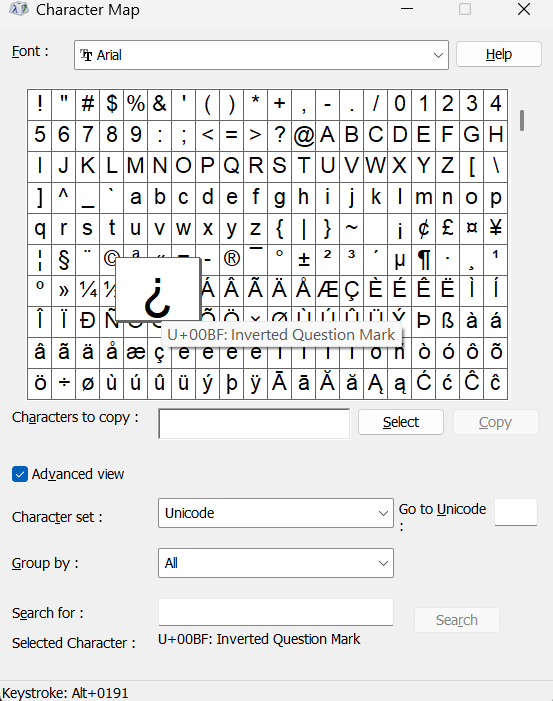
How to Type Upside Down Question Mark (¿): Shortcuts & Alt
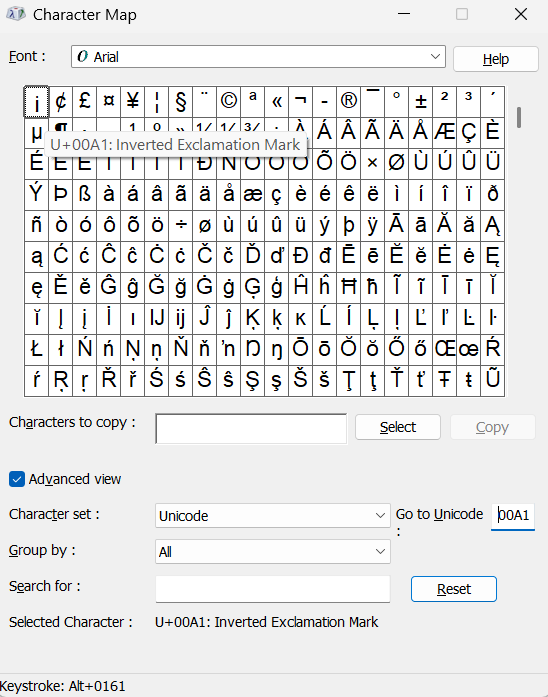
Type Upside Down Exclamation Point (¡): Keyboard Shortcuts
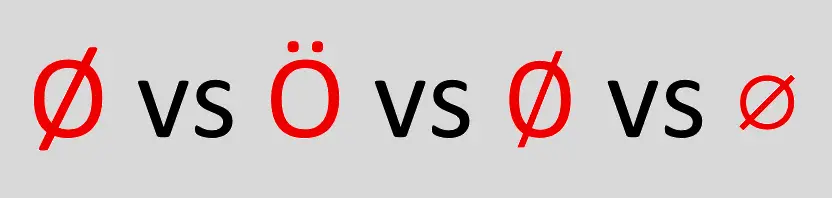
(Ø) O with Slash / O with Line Through It : Shortcuts
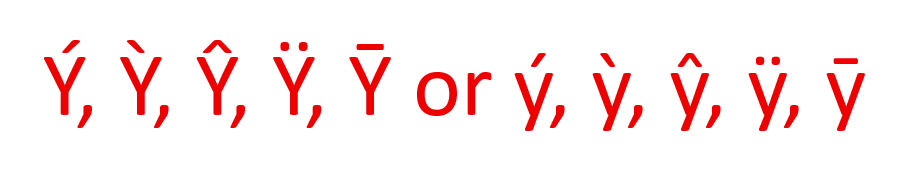
Ý, Ỳ, Ŷ, Ÿ, Ȳ or ý, ỳ, ŷ, ÿ, ȳ, Type Y with Accent
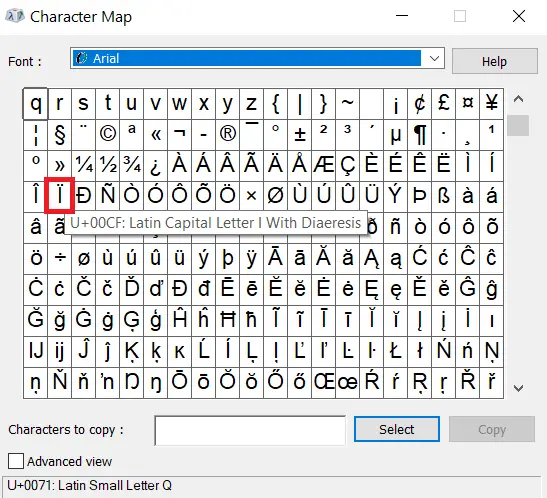
Type ï or Ï (i with Two Dots) — Keyboard Shortcuts, Alt Code
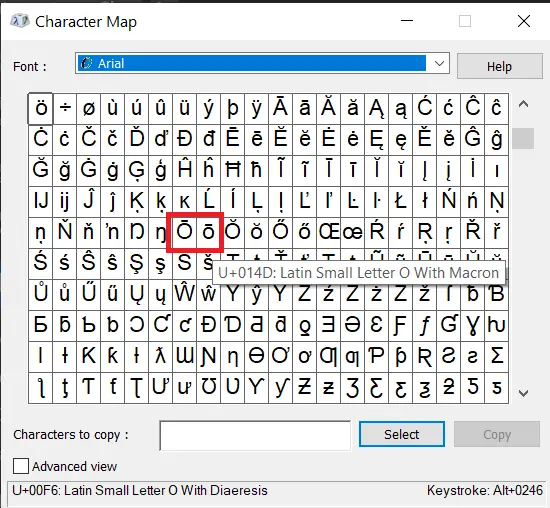
O with Macron (Ō / ō) – How to Type O with Line Over It
4 Comments
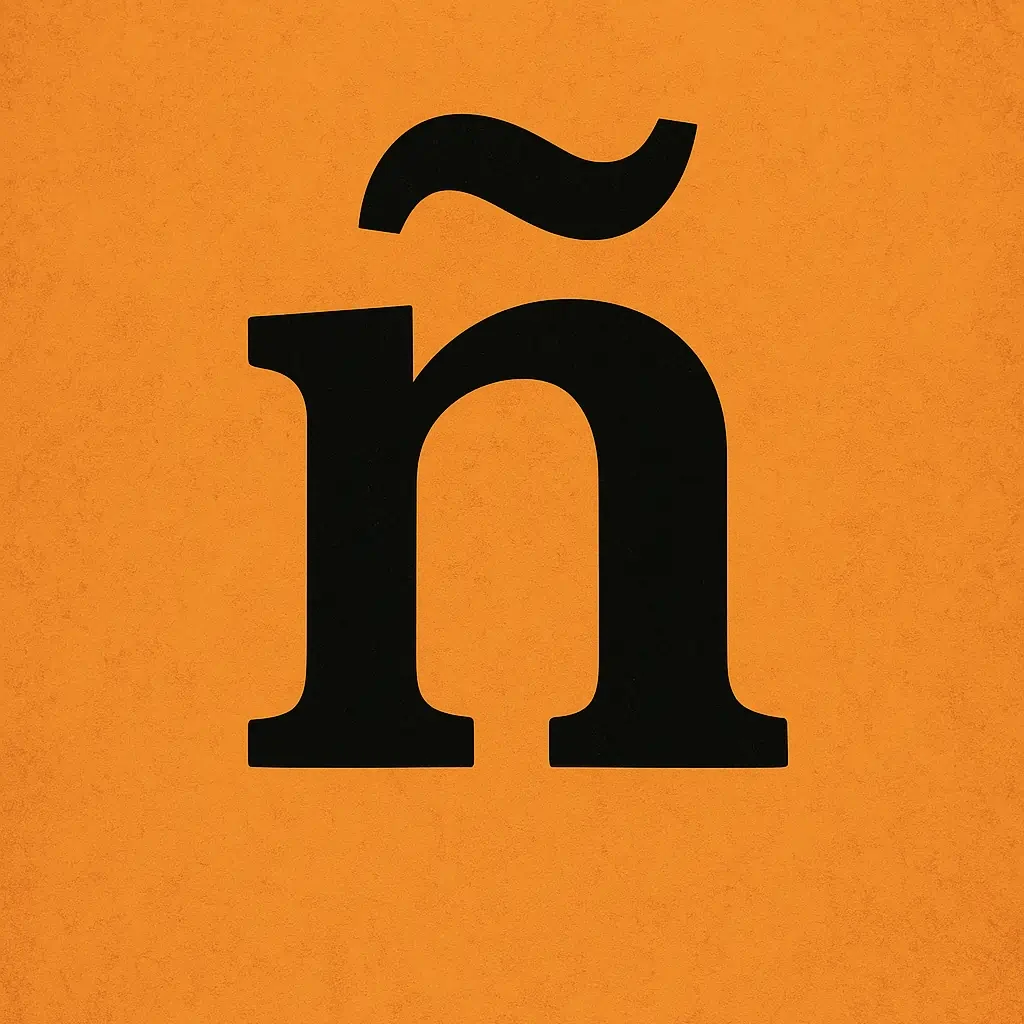
N with Tilde (Ñ / ñ) or Spanish N: Alt & Keyboard Shortcuts
1 Comment
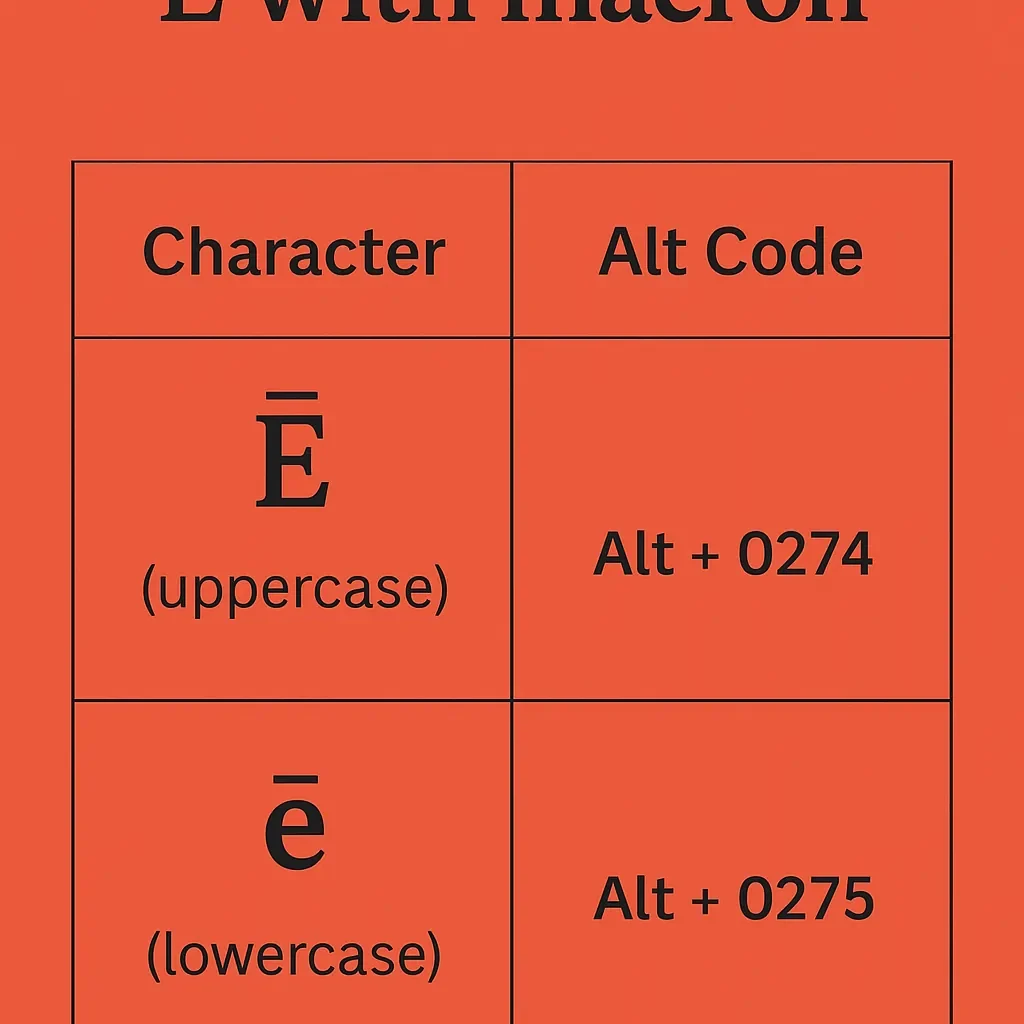
Type Ē or ē with Macron – Ē (E with Line Over It): Alt Code
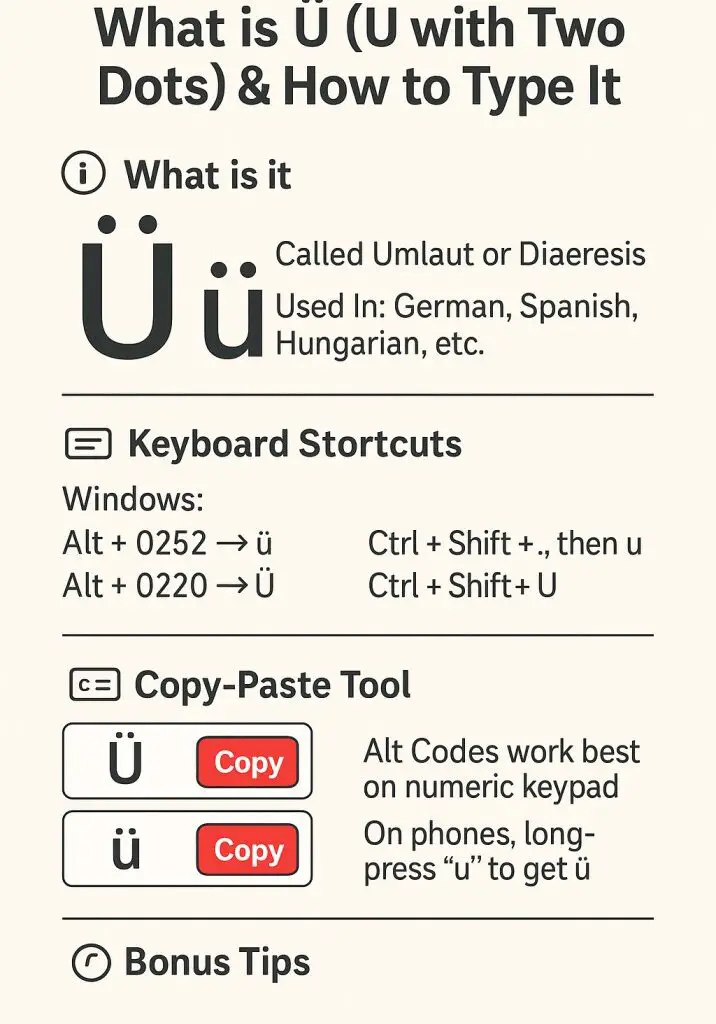
How To Type U with Two Dots (Ü) – U Umlaut Alt Code, Shortcut
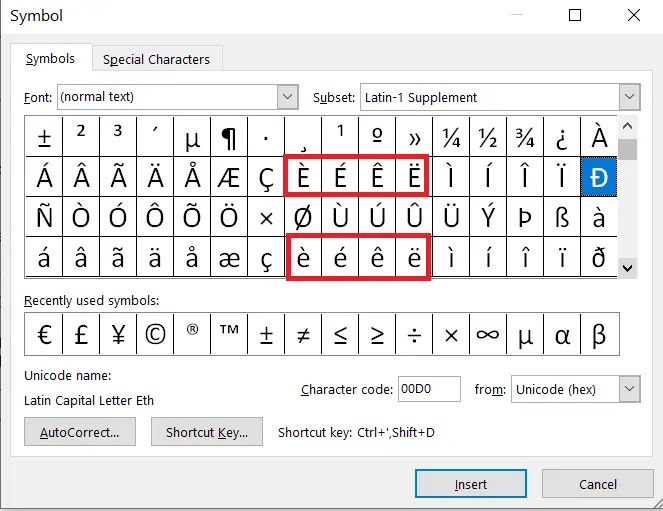
E with Accent Mark (é, è, ê, ë, ẽ, ē or É, È, Ê, Ë, Ẽ, Ē): How to Type on Keyboard – PC, Mac
1
2
Next
Load More
No more posts to load