How to Type Ë and ë (E with Two Dots / E Umlaut) on Keyboard
The letter ë (known as the e with two dots, e with diaeresis, or e umlaut) is a fascinating character that bridges linguistics, typography, and international names. Whether you are writing a greeting card for Noël, penning a character named Zoë, or studying global languages, mastering this character is essential.
This comprehensive guide covers everything you need to know about the letter, what its dots actually do, and step-by-step instructions on how to type it across every major device.
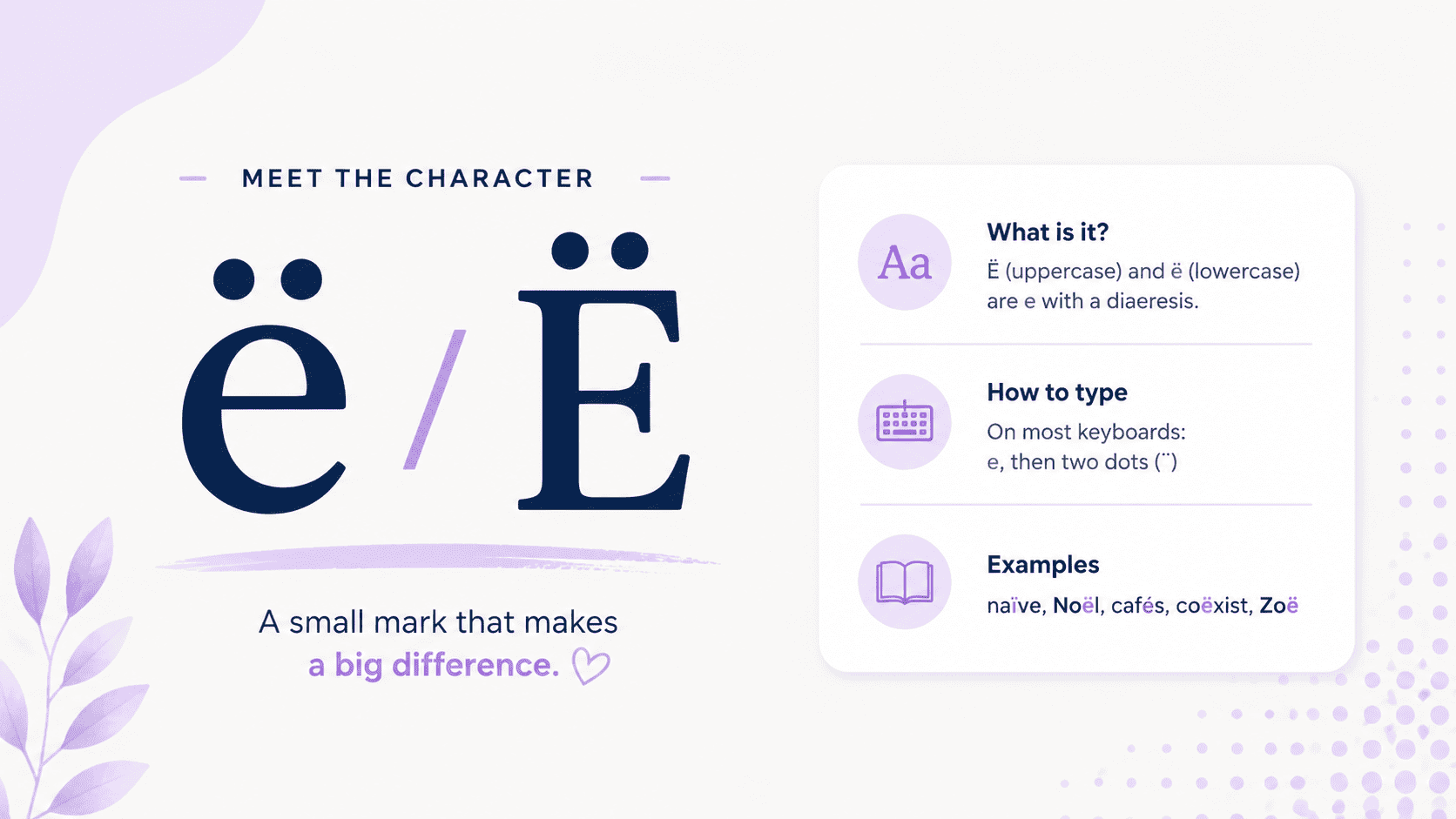
What Is the E with Two Dots Called?
Technically, the two dots are called a diaeresis. In everyday typing, many people call it an e umlaut, even though that term is more commonly associated with German vowels like ü and ö.
Capital and lowercase forms
- Ë = capital e with two dots
- ë = lowercase e with two dots
How to Type E with Two Dots Across All Devices
If you need to type ë or Ë for a document, name, or message, use the instructions below based on your operating system:
Typing Ë on Windows (Alt Codes)
To use Alt codes, ensure your Num Lock is turned on:
- Lowercase ë: Press and hold
Alt, type0235on the numeric keypad, then releaseAlt. - Uppercase Ë: Press and hold
Alt, type0203on the numeric keypad, then releaseAlt.
Type E Umlaut on Mac
Mac makes typing accented characters very straightforward:
- Lowercase ë: Press
Option + U, release both keys, then pressE. - Uppercase Ë: Press
Option + U, release both keys, then pressShift + E.
How to Type E with Two Dots in Word
In Microsoft Word, you can type ë and Ë in several easy ways:
- Open your document in Microsoft Word.
- Click the “Insert” tab at the top.
- Select “Symbol” from the menu.
- Choose “More Symbols” to open the character list.
- Scroll and find ë or Ë (e with dots).
- Click the letter and press “Insert.”
You can also use keyboard shortcuts on Windows:
- Hold “Alt” and type “0235” for ë.
- Hold “Alt” and type “0203” for Ë.
- Use the numeric keypad and keep “Num Lock” turned on.
- Alt codes are useful if you type these characters often.
How to Type E with Two Dots on Chromebook
Chromebooks use a Unicode input method for special characters:
- Place your cursor where you want the e umlaut letter.
- Press
Ctrl + Shift + Utogether, then release. (An underlined “u” will appear). - Type
00eband pressEnter. The lowercaseëwill appear.
How to Type E with umlaut on Android and iPhone
Mobile keyboards require just a tap-and-hold gesture:
- Android / iPhone / iPad: Tap and hold the
ekey on your virtual keyboard. A small menu of accented variations will pop up. Slide your finger to selectëand release.
How to Pronounce E with Two Dots
The pronunciation depends on the language:
- In Dutch, ë often indicates that the vowel is pronounced separately from the previous vowel.
- In names like Zoë, it tells you to pronounce both vowels separately: “Zo-ee”.
- In Noël, it separates the sounds: “No-el”.
So the symbol usually changes pronunciation or syllable separation.
What is the e with two dots above it called?
It is called ë, also known as e with two dots, e with diaeresis, or e umlaut.
Does it change the meaning of words?
Yes. In languages like French and Dutch, omitting the dots can change how a word is read or misguide a reader into blending vowels incorrectly.
Need the accented version instead? See e with accent (é, è, ê). For the same mark on a different vowel, check ï or ü.