Type Ĩ, ĩ (I with Tilde) – Alt Code, Typing Guide & Shortcut
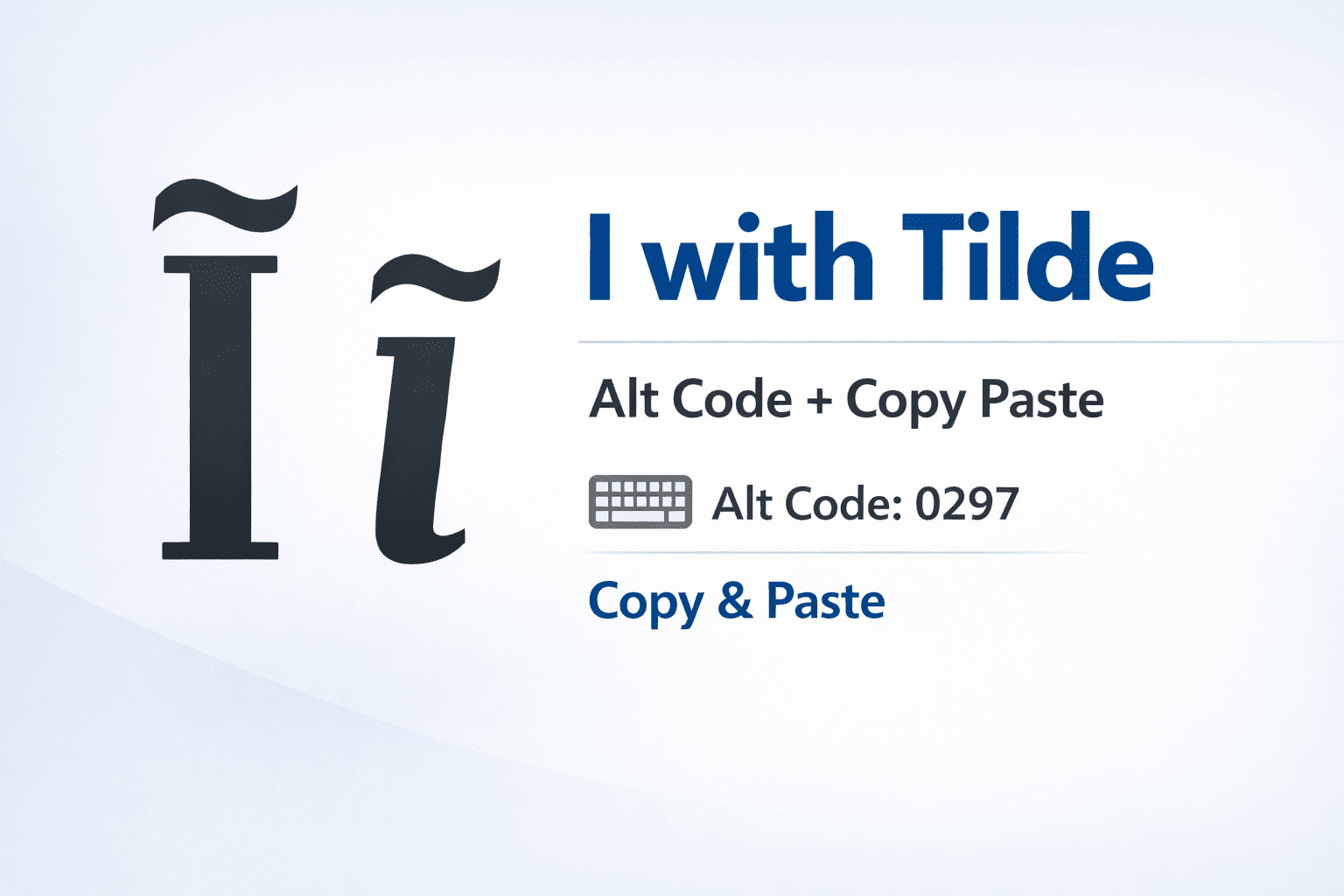
The i with tilde (Ĩ for uppercase, ĩ for lowercase) is the Latin letter “i” with a tilde (~) placed above it.
It is not commonly used in everyday writing like í or î, but the i tilde character appears in linguistic studies, phonetic transcription, and some indigenous and African languages.
In phonetics, the lowercase ĩ typically represents a nasalized vowel sound, meaning air flows through both the nose and mouth when pronouncing it.
If you’re searching for the i with tilde keyboard shortcut, Unicode, HTML entity, or want to know how to type i with tilde on Mac, Windows, or mobile, this guide covers everything.
Quick Facts – i with Tilde
| Character | Name | Alt Code | Unicode | HTML Entity |
|---|---|---|---|---|
| Ĩ | Capital I with tilde | Alt + 0204 | U+0128 | Ĩ / Ĩ |
| ĩ | Lowercase i with tilde | Alt + 0297 | U+0129 | ĩ / ĩ |
How to Type I with Tilde on Keyboard
Windows (Alt Code Method)
- Capital Ĩ: Hold Alt, type 0204 on the numeric keypad, release Alt.
- Lowercase ĩ: Hold Alt, type 0297, release Alt.
Tip: Num Lock must be ON for Alt codes to work properly.
If you’re using a laptop without a numeric keypad, enable the on-screen keyboard or use the embedded number keys with the Fn key.
Using Character Map
- Open Character Map from the Start Menu.
- Search or locate the ĩ symbol.
- Click Copy and paste it where needed.
Mac Keyboard Method
Typing i tilde on Mac is simple using built-in tools:
- Long-press method: Press and hold the “i” key → select ĩ.
- Unicode input: Enable Unicode Hex Input → hold Option + type
0129.
This method works across macOS versions and is the easiest way to type tilde over i MacBook.
Mobile (iPhone & Android)
Typing i tilde iPhone or Android is very straightforward:
- iPhone: Long-press the “i” key → choose ĩ
- Android / Samsung: Long-press “i” → select ĩ
If you don’t see it, switch to a full keyboard layout like Gboard or enable extended symbols.
How to Insert i Tilde Symbol in Microsoft Word
- Unicode method: Type
0129and press Alt + X → ĩ - Insert menu: Go to Insert → Symbol → More Symbols, then select the character
Unicode Reference for i with Tilde
| Character | Unicode | Name |
|---|---|---|
| Ĩ (Uppercase) | U+0128 | Latin Capital Letter I with Tilde |
| ĩ (lowercase) | U+0129 | Latin Small Letter I with Tilde |
Language and Usage of i with Tilde
The tilde i meaning varies depending on context:
- Linguistics: Represents a nasalized vowel sound
- African languages: Used in phonetic spelling systems
- Indigenous languages: Helps distinguish pronunciation
- Math/technical use: Occasionally appears as a stylized variable
Although people search for tilde i Vietnamese or lithuanian i tilde, it is not commonly used in standard spelling in those languages but may appear in phonetic notation.
Quick Typing Methods — Tilde i (Ĩ / ĩ)
- Windows: Alt + 0297 → ĩ
- Mac: Hold “i” or use Option + Unicode
- Word: Type
0129+ Alt + X - Mobile: Long-press “i”
Final Thoughts
The i with tilde accent may look like a small variation, but it plays an important role in phonetics and language accuracy. Whether you’re learning linguistics, working with Unicode, or just need to insert i tilde symbol, knowing these methods ensures you can use it correctly across any device.
Also learn How to Type I with Accent Mark Í, Ì, Î, Ĩ, Ï or í, ì, î, ĩ, ï